hexo-maupassant--搭建笔记
Maupassant最初是由Cho大神为Typecho平台设计开发的一套响应式模板,体积只有20KB,在各种尺寸的设备上表现出色。由于其简洁大气的风格受到许多用户喜爱,目前也已经被移植到了多个平台上,例如:
- Typecho:https://github.com/pagecho/maupassant/
- Octopress:https://github.com/pagecho/mewpassant/
- Farbox:https://github.com/pagecho/Maupassant-farbox/
- Hugo: https://github.com/rujews/maupassant-hugo/
- hexo: https://github.com/tufu9441/maupassant-hexo
这次使用的就是tufu9441移植的版本。
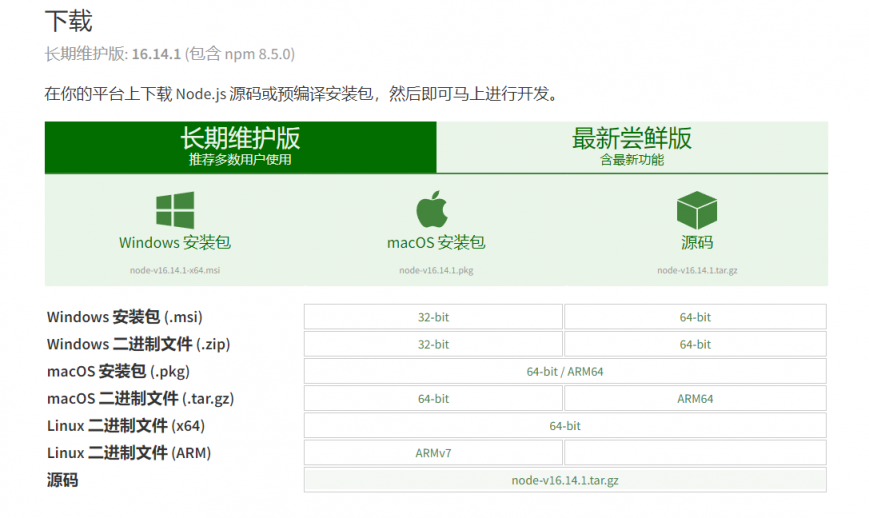
安装node.js
官方地址:https://nodejs.org/zh-cn/download/
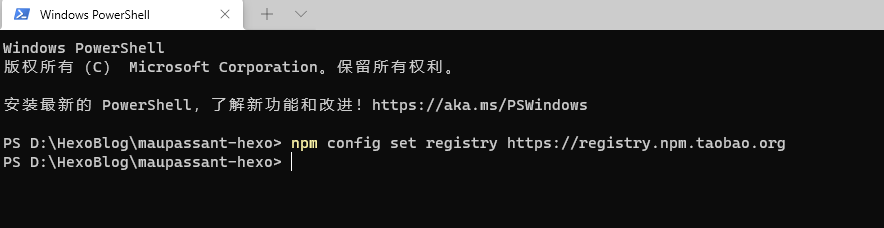
添加国内镜像源:
1 | npm config set registry https://registry.npm.taobao.org |
安装gitbash
略
安装hexo
使用npm全局安装hexo-cli :
1 | npm install -g hexo-cli |
在gitbash中验证是否成功:
1 | hexo -v |

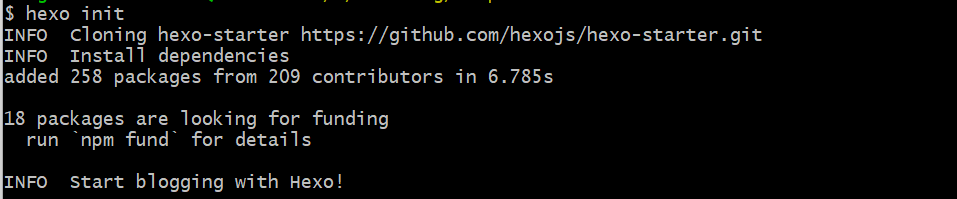
创建一个博客目录文件夹:这里新建文件夹maupassant-hexo,初始化一个hexo博客
1 | hexo init |
下载主题源码
github仓库地址:https://github.com/tufu9441/maupassant-hexo/tree/master
1 | git clone https://github.com/tufu9441/maupassant-hexo.git themes/maupassant |

安装渲染器
1 | npm install hexo-renderer-pug --save |
相关基础
免费的评论系统
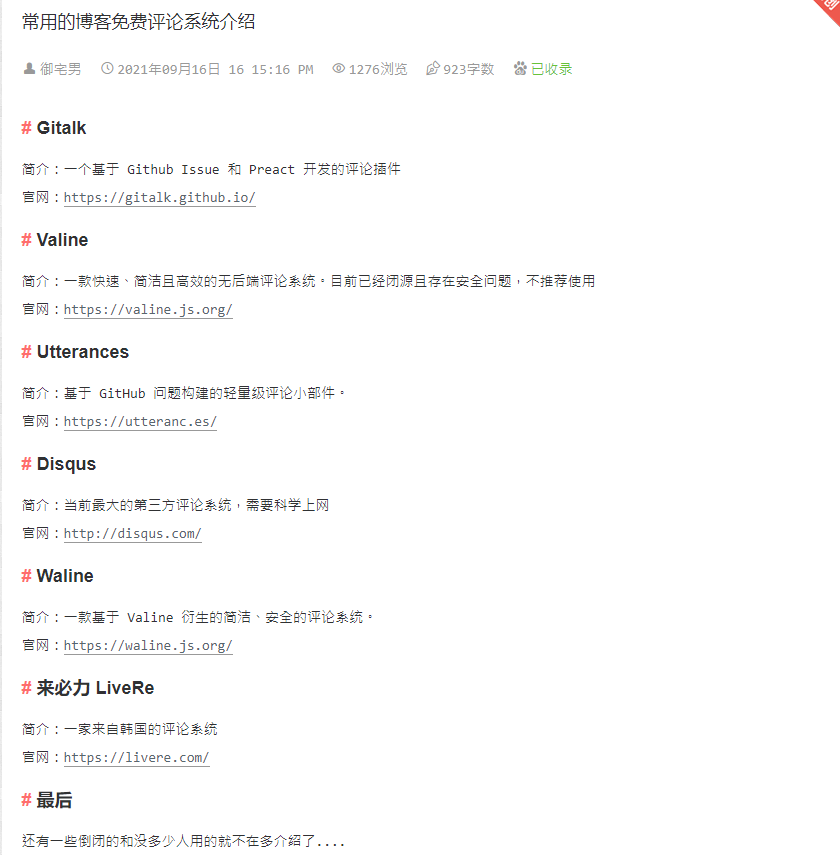
对比之后,选择Utterances.
安装Utterances
安装地址:https://github.com/apps/utterances
访问安装地址,进入安装页面,单击 Install 按钮;
参考>https://blog.lanweihong.com/posts/24011/
hexo配置
选择使用maupassant
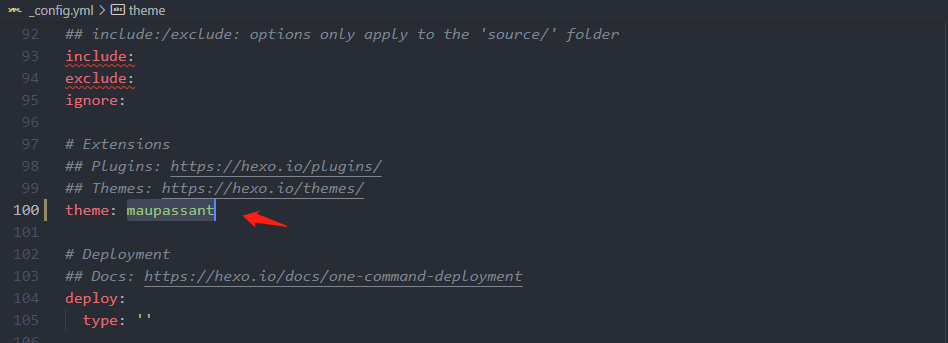
其他个人相关信息配置
略链接优化:使用
hexo-abbrlink,处理中文文章名字问题
安装插件1
npm install hexo-abbrlink --save
在站点配置文件
_config.yml中修改permalink1
2
3
4
5permalink: :abbrlink/
abbrlink:
alg: crc32 # 算法:crc16(default) and crc32
rep: hex # 进制:dec(default) and hex
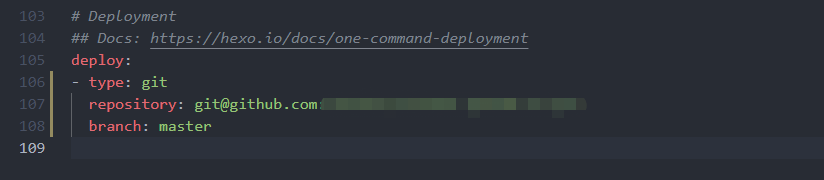
permalink_defaults:添加部署地址:
新建一个“关于”页面
1
hexo new page about
maupassant主题配置
配置文件位于themes/maupassant/_config.yml
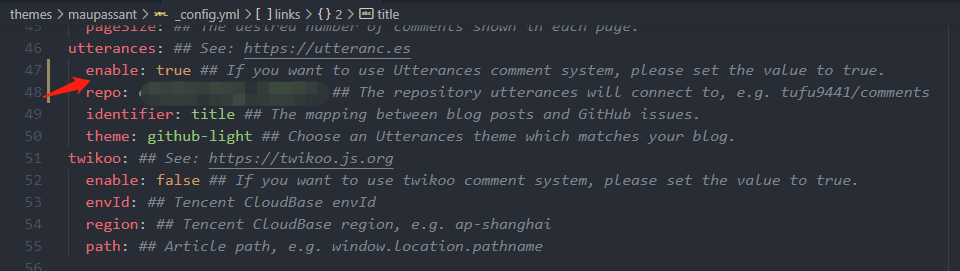
配置评论系统使用utterances
网站图标
若要设置网站Favicon,可以将favicon.ico放在Hexo根目录的 source 文件夹下,建议的大小:32px * 32px。
若要为网站添加苹果设备图标,请将命名为apple-touch-icon.png的图片放在同样的位置,建议的大小:114px * 114px。
文章摘要
首页默认显示文章摘要而非全文,可以在文章的 front-matter 中填写一项 description: 来设置你想显示的摘要,或者直接在文章内容中插入 <!--more-->以隐藏后面的内容。
若两者都未设置,则自动截取文章第一段作为摘要。
添加页面
在 source 目录下建立相应名称的文件夹,然后在文件夹中建立 index.md 文件,并在 index.md 的 front-matter 中设置layout为 layout:page 。现已支持添加标签页面,将页面的layout设置为 layout: tagcloud 即可。若需要单栏页面,就将layout设置为 layout: single-column 。
文章目录
在文章的 front-matter 中添加 toc: true 即可让该篇文章显示目录。
数学公式
要启用数学公式支持,请在Hexo目录的_config.yml中添加:
1 | mathjax: true |
并在相应文章的front-matter中添加mathjax: true,例如:
1 | title: Test Math |
数学公式的默认定界符是$$...$$和\\[...\\](对于块级公式),以及$...$和\\(...\\)(对于行内公式)。
但是,如果你的文章内容中经常出现美元符号“$”, 或者说你想将“$”用作美元符号而非行内公式的定界符,请在Hexo目录的_config.yml中添加:
1 | mathjax2: true |
而不是mathjax: true。 相应地,在需要使用数学公式的文章的front-matter中也添加mathjax2: true。
修改目录格式
详细请查看:
注意事项:
- 先备份base.pug,然后新建一个base.pug,按照文章的方法修改
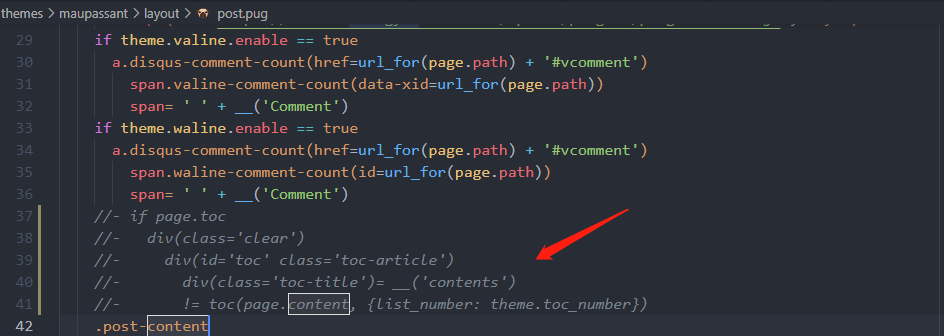
- 在post.pug中,注释原来的目录相关代码
效果测试
创建一篇测试文章:
1 | hexo new 测试 |

生成静态页面:
1 | hexo g |
本地查看效果:
1 | #启动本地服务 |
部署到github.io
安装插件:
1 | npm install hexo-deployer-git --save |
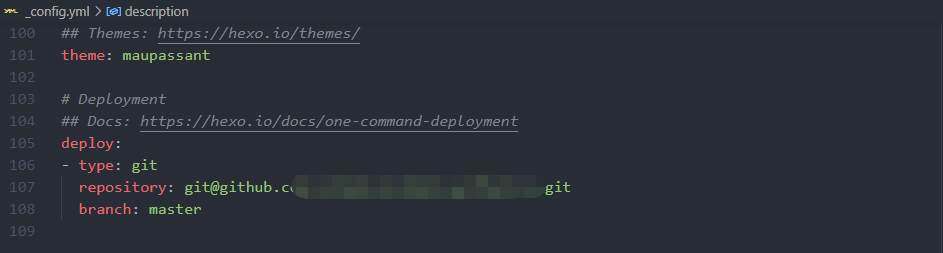
修改网站配置文件_config.yml,添加deploy信息:
其他参考:
主要事项:
如果需要使用自己的域名,则需要添加CNAME文件,需要将CNAME放在hexo的source文件夹下:

CNAME文件中填写自己的域名,让后在自己域名的DNS解析中,添加一条CNAME规则,指到xxxx.github.io .
最后流程:
1 | hexo clean |